
- 🔗 Link workflow — the recommended way to use your own workflow. Pick one straight from ComfyUI’s own workflow library; edit it in ComfyUI and save, and ComfyTV picks up changes automatically. See custom-workflows.md.
- ⬆ Upload workflow — import a
.jsonfile from disk, no restart.
Image Stage
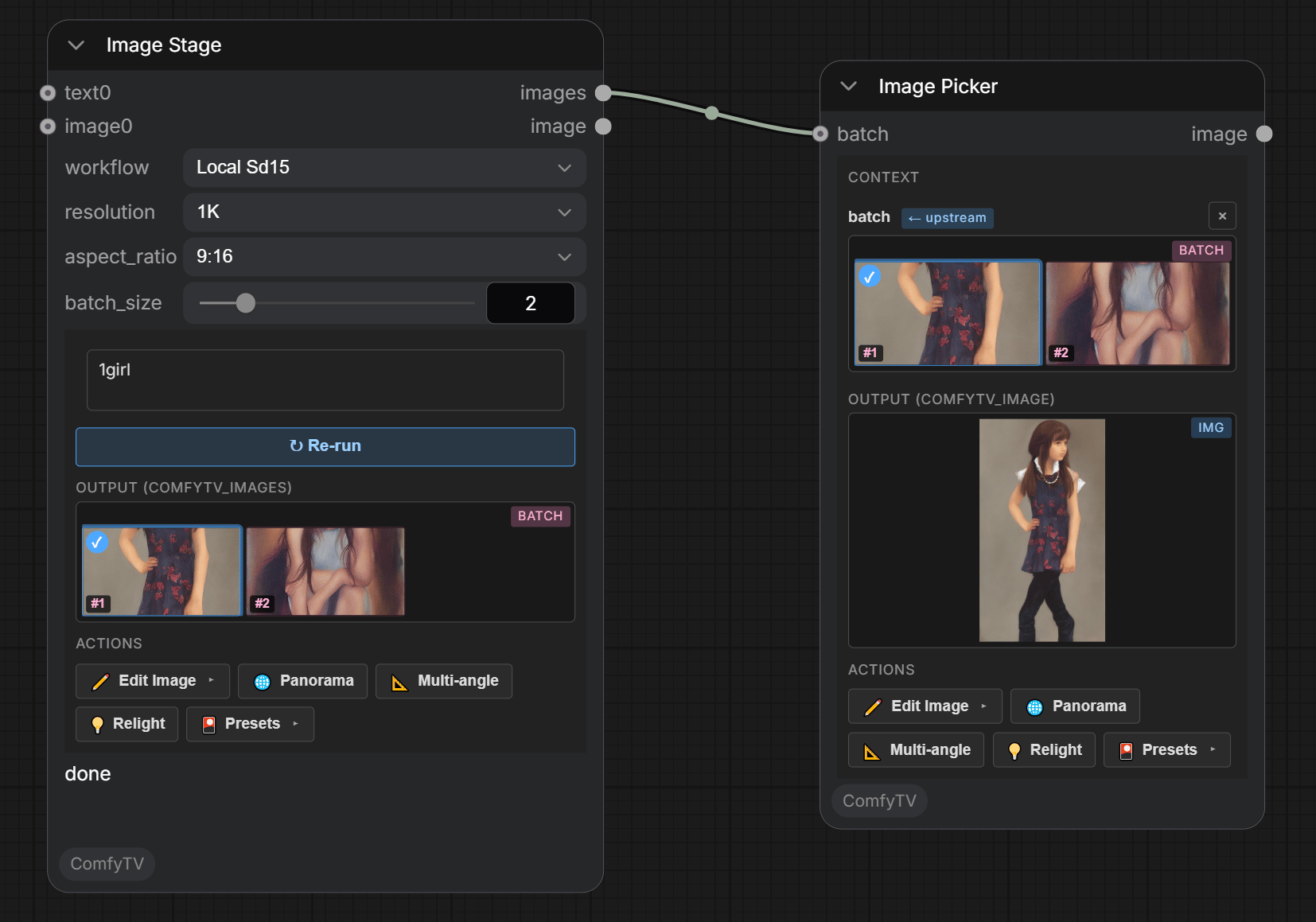
- Prompt: the main text box. Upstream Text nodes get appended; upstream images feed the current workflow’s
LoadImage(only the i2i workflow consumes them).@image_Ntokens reference the wired image slots inline. - workflow — shipped: Local SD1.5 (t2i), Local SD1.5 I2I (image-to-image), Image Ideogram4 T2I — plus anything you link or upload.
- resolution / aspect_ratio / batch_size: target size tier, shape, and how many images per Run.
images is the whole batch from this Run; image is the single thumbnail you picked on the node (defaults to the first one until you click).
Image-to-image
PickLocal SD1.5 I2I, wire a reference image into the images slot, write the prompt, Run.
Video Stage
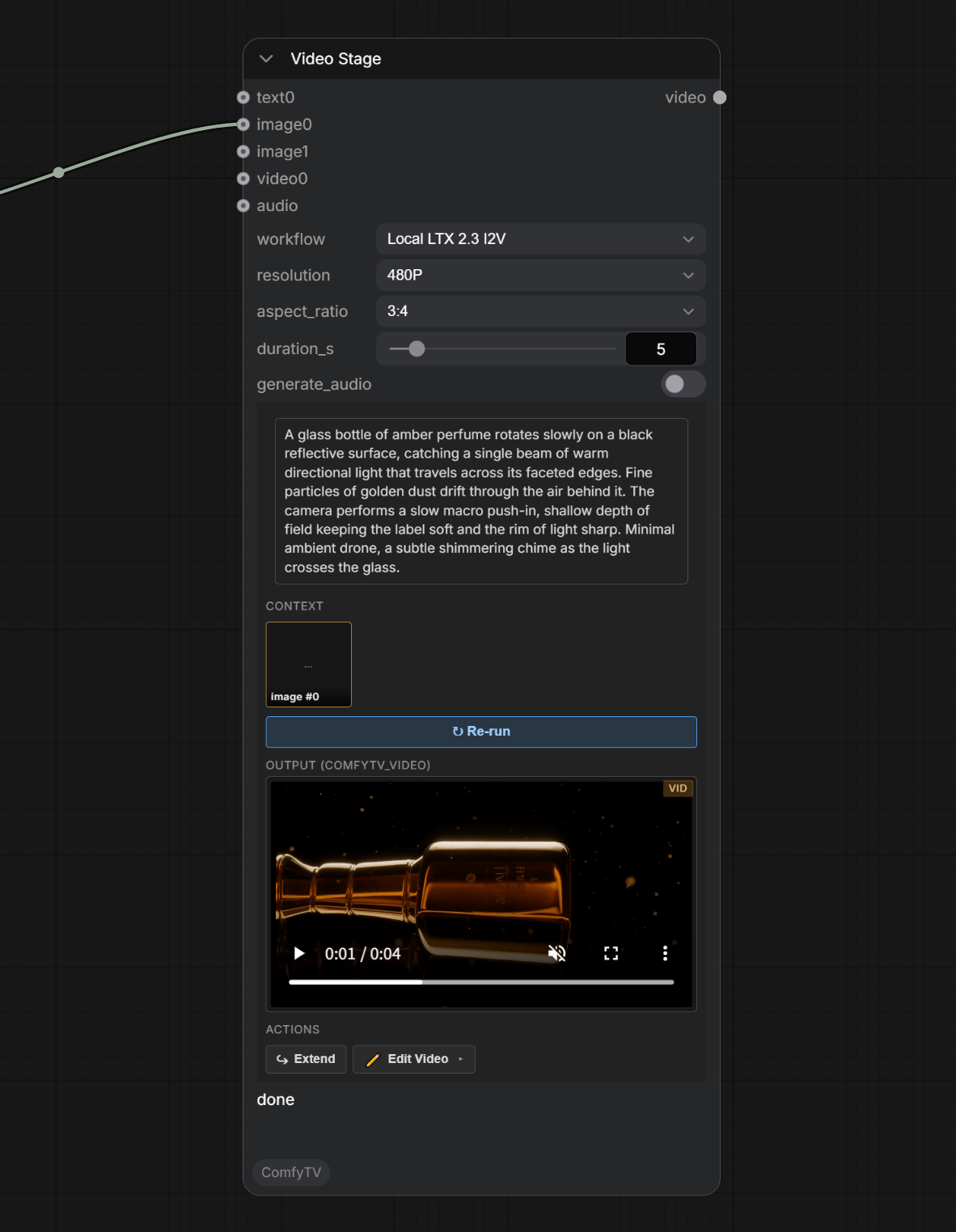
- workflow — all four LTX 2.3 variants ship today:
Local LTX 2.3 T2V— text → video.Local LTX 2.3 I2V— image → video.Local LTX 2.3 FLF2V— first-last-frame → video. Wire two images on images (start + end keyframes).Local LTX 2.3 IA2V— image + audio → video.
- resolution / aspect_ratio / duration: output size, shape, length.
- audio input — required for IA2V; the other LTX workflows don’t use audio.
Text Stage
Music Stage
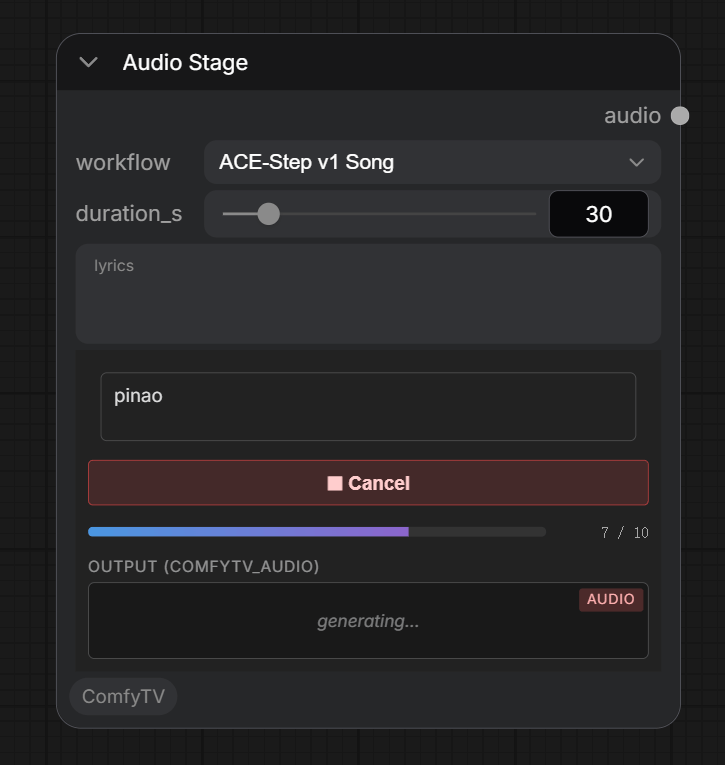
- Prompt: free-form tags — genre, mood, BPM, instrumentation.
- Lyrics (optional): empty = instrumental; non-empty = vocal track.
- Duration: slider (1–240 s, default 30).
Speech Stage
audio input (IA2V), a Mux Audio node, or the audio suite.
3D Model Stage
model-kind workflow — link or upload your own (e.g. a Hunyuan3D graph); none ships by default. The node embeds an orbit preview; after you orbit, it auto-captures a screenshot into its image output, so downstream image stages can consume the model’s look. The GLB itself flows to the 3D nodes — Scene3D, mesh ops, materials; see the Node Reference.